
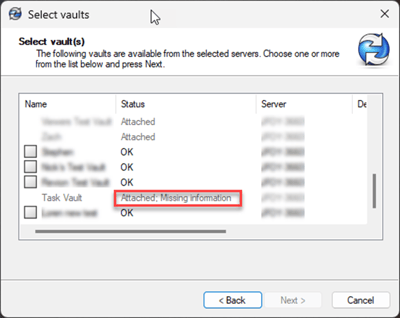
Don’t worry this can be fixed with a few registry changes if you are unsure how to do this please reach out to your I.T. department for guidance.
Caution: Incorrectly modifying the registry can damage your operating system and or make other programs unstable. Always backup your registry before proceeding!
- Launch Regedit
- Delete the following keys:
HKEY_CURRENT_USER\Software\SolidWorks\Applications\PDMWorks Enterprise\Vaults\[VAULTNAME]
HKEY_LOCAL_MACHINE\SOFTWARE\SolidWorks\Applications\PDMWorks Enterprise\Databases\[VAULTNAME]
HKEY_LOCAL_MACHINE\SOFTWARE\Wow6432Node\SolidWorks\Applications\PDMWorks Enterprise\Databases\[VAULTNAME] - Launch the view setup wizard again and the “Attached; Missing information” message should be replaced with "OK" and no longer greyed out.
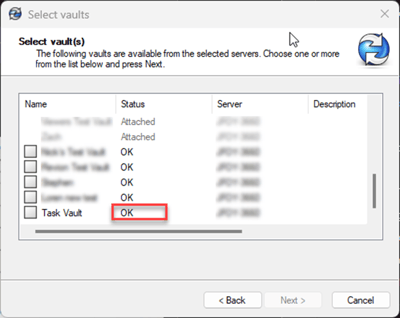
Still having an issue creating the new view? Submit a support ticket online here.