
Note: The Troubleshooting Machine (TSM) is only compatible with Google Chrome and Microsoft Edge. It cannot be used on any other web browsers.
Click this link to download the Troubleshooting Machine for Web (Windows 64-bit)
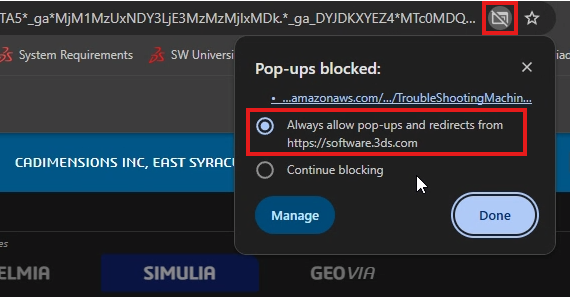
The download will start automatically. If it does not, double check that your browser settings allow pop-ups and redirects from software.3ds.com.
Once the file is downloaded, unblock the folder by right-clicking and selecting Properties > Unblock
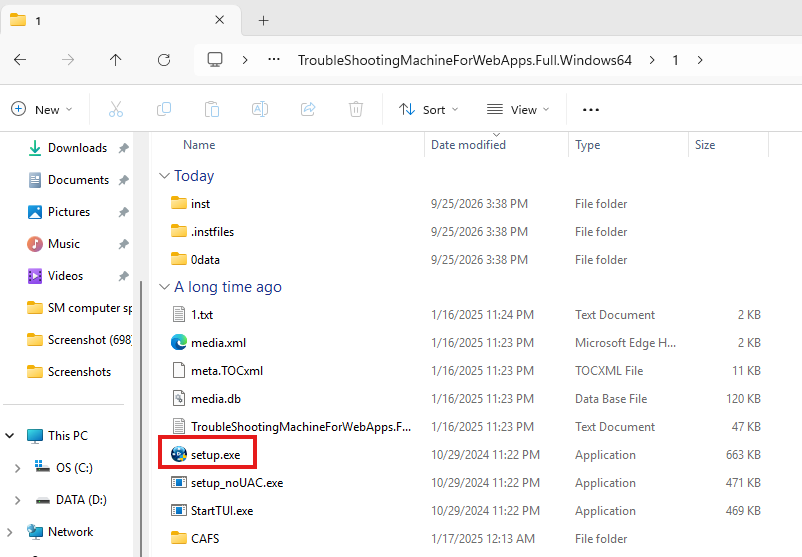
After unblocking the zip folder, unzip/extract it and double-click the setup.exe to install the program
From here, click Next and follow the steps in the install program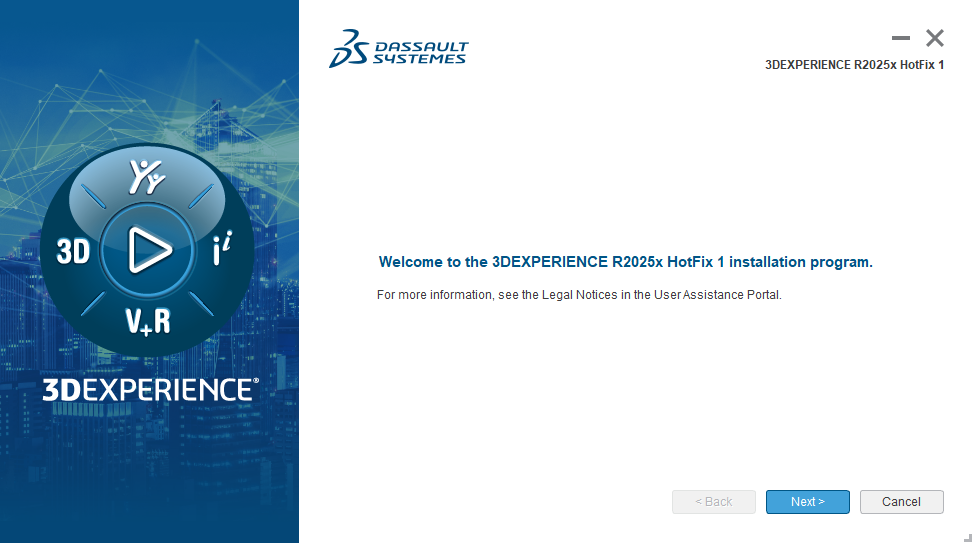
It is advised to use the recommended installation directory, click Next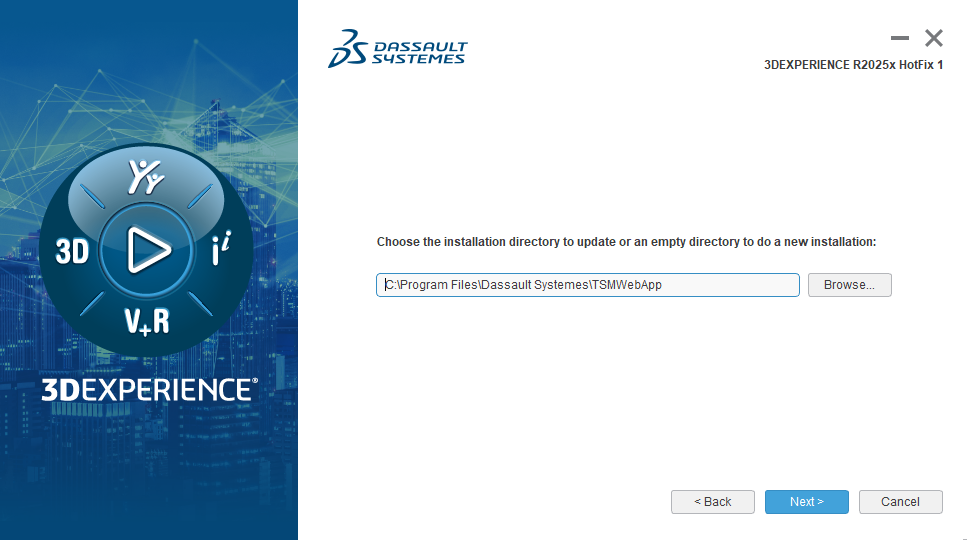
Then read and accept the License Terms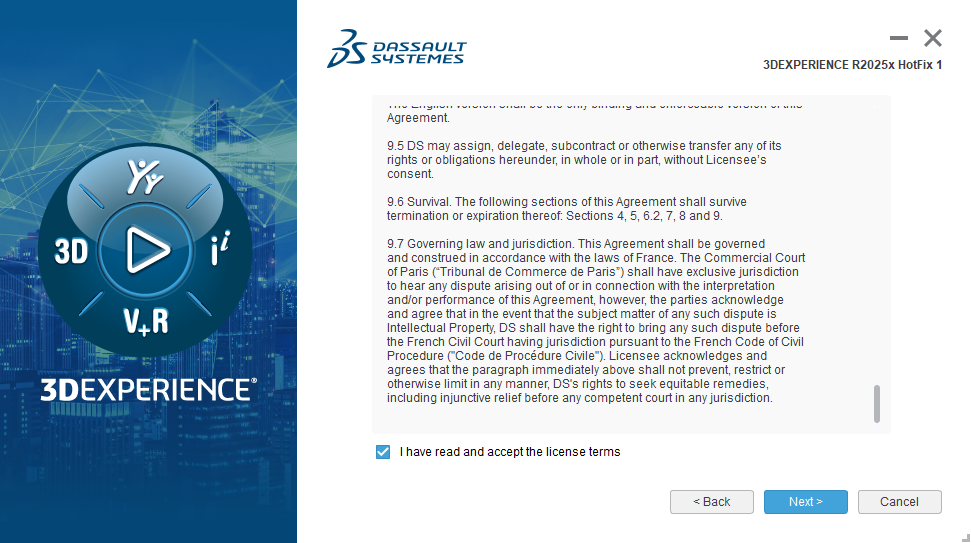
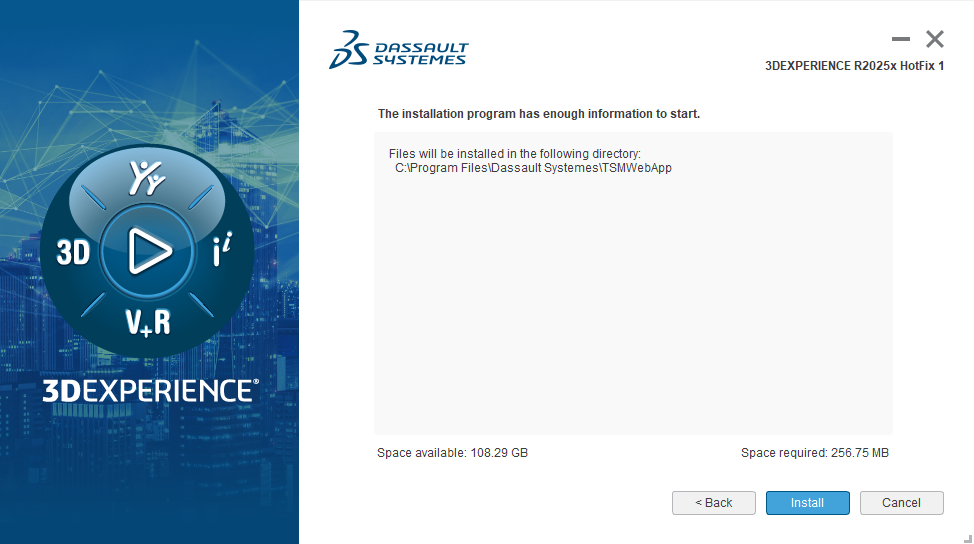
On the next screen simply click Install and wait for the program to complete installation
The TSM for Web is compatible with all supported releases of the 3DEXPERIENCE platform, so you won't need to update it after installing.
To learn more about running the TSM for for Web tool, take a look at our next article in this series.